
SEO Services for WordPress
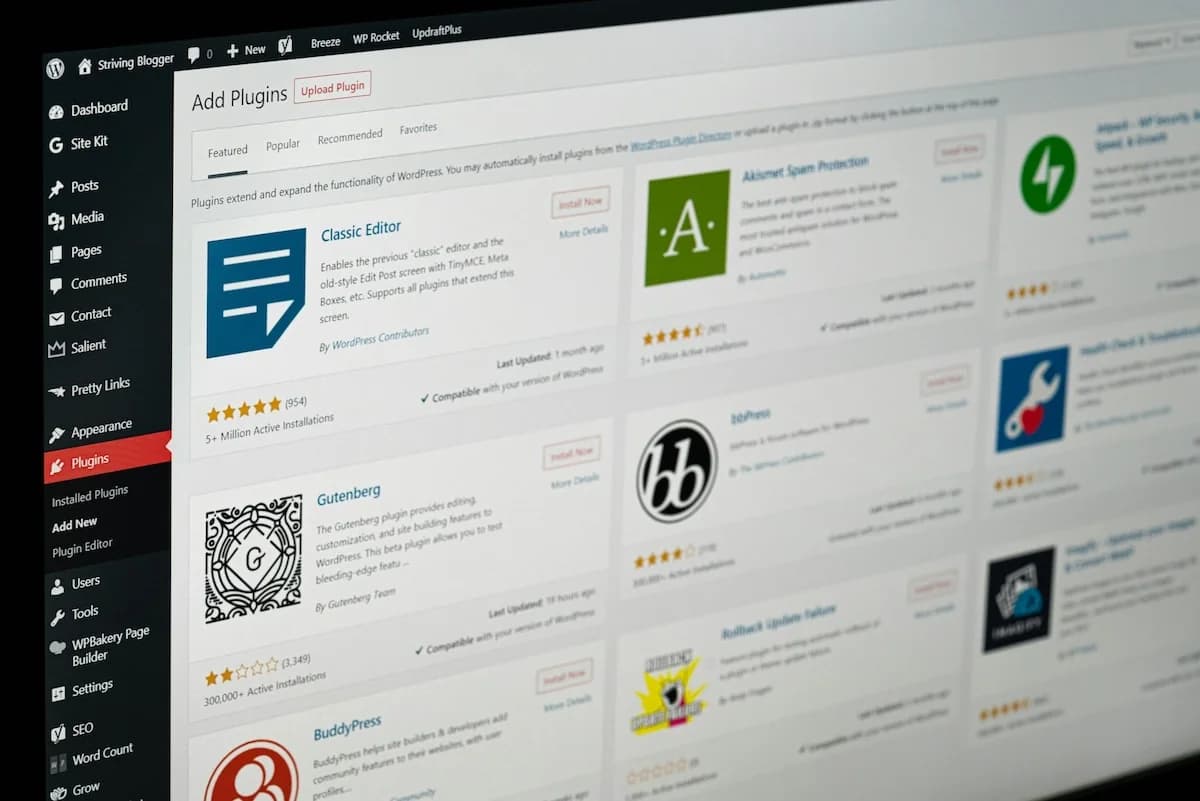
WordPress runs 43% of the web, and most of those sites are still doing SEO the 2015 way: install Yoast, add fifteen plugins, hire a retainer. The plugin does four things well and then stops.

WordPress powers roughly 43% of all websites, which means most SEO advice on the internet is, in practice, WordPress SEO advice. And most of it is stuck in 2015: install Yoast or Rank Math, bolt on a dozen more plugins, sign a monthly retainer, and wait. That stack still ships a green light next to your meta description. It does not tell you what to write, whether you rank, or whether ChatGPT has ever heard of you.
The thesis of this guide is simple. The classic WordPress SEO stack — an SEO plugin plus fifteen helpers plus a retainer — is outdated in 2026. The plugin does four things genuinely well, then stops at the exact point modern SEO begins. The fix is not a better plugin. It is keeping WordPress as the place you publish and moving the strategy somewhere built for it.
“Your SEO plugin is a form field with a traffic-light icon. It is not a strategy, and it never was.”
What the plugin actually does — and where it stops
Yoast, Rank Math, and All in One SEO are good at a narrow, real job. They give you a place to write a custom title tag and meta description per page, they generate and ping an XML sitemap, they handle canonical tags and basic redirects, and they output baseline schema — usually Organization, WebSite, and a rough Article or BreadcrumbList. For a content site, that on-page surface is worth having. One of these plugins, configured once, covers it.
The problem is that the plugin’s green light implies a finish line it does not represent. A “good” Yoast score means your focus keyword appears in the title and the first paragraph and the copy reads at a certain grade level. It says nothing about whether anyone searches that keyword, whether ten stronger pages already own it, whether your page actually ranks, or whether an AI engine would ever cite it. The plugin scores the page in isolation. SEO happens in a market.
| The plugin does this well | The plugin does not do this at all | Where the gap gets filled |
|---|---|---|
| Title tags + meta descriptions | Keyword research with real search volume | Dedicated keyword + brief software |
| XML sitemaps + canonical tags | Content strategy and prioritization | A content brief engine |
| Basic schema (Org, Article, Breadcrumb) | Full @graph schema matched to page type | A schema generator |
| Redirect management | Rank tracking over time | A rank tracker |
| A green on-page checklist | AI-engine visibility (ChatGPT, Gemini, Claude, Perplexity, AI Overviews) | An AI visibility tracker |
Look at the middle column. None of it is a plugin’s job, and none of it lives inside WordPress. That column is the entire modern discipline of SEO. The plugin owns the left column and quietly lets you believe it owns the rest. If you want the full picture of what that middle column contains, our schema markup guide walks through the @graph types the plugin’s basic output leaves on the table.
Your plugins are quietly wrecking Core Web Vitals
Here is the part the green light never mentions. The more plugins you stack onto WordPress, the slower your site gets, and speed is one of the few signals Google measures from real users in the field. Core Web Vitals — Largest Contentful Paint (LCP), Interaction to Next Paint (INP), and Cumulative Layout Shift (CLS) — are scored on field data, not lab tests. Plugins damage all three.
The mechanism is concrete. Most plugins inject their own CSS and JavaScript into the <head> of every page, whether that page uses the plugin or not. A contact-form plugin loads its scripts on your blog posts. A page builder ships 200KB of layout CSS site-wide. A social-sharing plugin pulls in third-party widgets that block the main thread. Each of these is render-blocking: the browser cannot paint or respond until it has parsed them.
INP is where this hurts most in 2026. INP measures how long the page takes to respond after a user taps or clicks, and it punishes long main-thread tasks — exactly what unbundled plugin JavaScript creates. LCP suffers too: render-blocking CSS delays the moment your hero image or headline paints. A WordPress install with thirty active plugins routinely ships 1.5MB of JavaScript that no single page needs, and the browser pays for all of it on every load.
The irony writes itself: people install caching, minification, and optimization plugins to fix the damage caused by their other plugins. Sometimes that works. Often it adds a fourth layer of scripts fighting the first three. The cleaner path is fewer plugins on faster hosting — which is the next problem most WordPress sites get wrong.
Hosting matters more than the plugin
If you only fix one thing on a WordPress site, fix the host. Time to first byte (TTFB) — how long the server takes to send the first byte of HTML — is the foundation everything else stacks on. A slow TTFB caps your LCP no matter how lean your front end is, and it is the first thing Googlebot experiences on every crawl. Shared cheap hosting routinely returns TTFB north of 800ms. Good managed WordPress hosting returns it under 200ms with edge caching.
Here is an honest read on the major US managed WordPress hosts, by what they are actually good for:
- WP Engine — the default for agencies and mid-market businesses. Strong caching, solid staging environments, good support. You pay for the polish, and storage and visit limits are tight on lower tiers.
- Kinsta — built on Google Cloud’s premium network with per-site isolation. Fast TTFB, clean dashboard, no traffic-based throttling surprises. Priced for businesses, not hobby blogs.
- Rocket.net — the speed specialist. Cloudflare Enterprise edge caching baked in on every plan, which gives it the most consistent low TTFB of the group. Newer and smaller, with fewer agency features, but hard to beat on raw front-end speed.
- Cloudways — managed hosting on top of raw cloud providers (DigitalOcean, Vultr, AWS, Google Cloud). The most price-flexible option and genuinely fast when tuned, but it asks more of you technically than the fully managed hosts.
- SiteGround — the strongest of the affordable tier, with a custom caching stack and a real CDN. Fine for small and growing sites; renewal pricing jumps hard after the first term, and high-traffic sites outgrow it.
- Flywheel — designed for designers and freelancers, now under the WP Engine umbrella. Pleasant workflow and client-billing transfer features; performance is good rather than category-leading.
What to look for, regardless of brand: server-level (not plugin-level) caching, an edge CDN included rather than upsold, a current PHP version, HTTP/2 or HTTP/3, and a staging environment. If a host makes you install a caching plugin to be fast, that is a tell — the speed should come from the server, not from one more script on your pages.
“Slow hosting caps how fast every other fix can land. You cannot out-optimize an 800ms TTFB with a plugin.”
The 2026 stack: WordPress publishes, software runs the SEO
Once the host is fast and the plugin count is lean, the real shift is architectural. Stop trying to make WordPress the brain. WordPress is an excellent publishing destination — flexible templates, a mature editor, the REST API, and a content model the whole industry knows. Keep it for exactly that. Move the SEO thinking into software built to do it.
That is the model SEOTopSecret runs. The strategy, research, and structured data live outside WordPress; the finished page lands inside it. Concretely, the stack covers:
- Content briefs — the content brief engine turns a target keyword and live search demand into a full outline, the secondary terms to cover, and the questions to answer, so a writer starts with a map instead of a blank Yoast field.
- Schema generation — the schema generator produces a complete @graph matched to the page type, well past the Organization-and-Article stub a plugin emits, and validated before it ships.
- Rank tracking — rank tracking tells you whether the page actually moved in the SERP over time, the one thing no on-page plugin score can answer.
- AI visibility — AI visibility tracking checks whether your brand and pages get cited across all five answer engines: ChatGPT, Gemini, Claude, Perplexity, and Google AI Overviews.
- One-click publishing — CMS publishing writes the finished, schema-loaded article straight back into WordPress through the REST API, so the destination never changes.
The win is not adding a sixth plugin. It is the opposite: the software replaces the middle column from the table above — the entire part the plugin never did — and hands WordPress a finished page to publish. You keep one lightweight on-page plugin for the title and meta fields, and the strategy runs where it belongs.
A worked example: a US DTC brand on WordPress + WooCommerce
Picture a direct-to-consumer coffee brand in Portland running WordPress with WooCommerce. The old setup: Rank Math for on-page, a schema plugin, a reviews plugin, a related-posts plugin, two caching plugins, and a $3,500-a-month agency retainer producing four blog posts and a monthly PDF. Twenty-six active plugins. Mobile INP in the “needs improvement” band. No idea whether ChatGPT recommends their beans when someone asks for a single-origin subscription.
The replacement keeps WooCommerce and the storefront exactly where they are. Briefs for the blog and the high-intent category pages get generated from live search demand instead of guessed in a meeting. Schema for each product and article is generated as a full graph and published into the page’s server HTML, not injected late by a plugin. Rank tracking watches the commercial terms that actually drive subscriptions. AI visibility tracking checks, weekly, whether the brand surfaces when buyers ask the five engines for coffee recommendations. Several redundant plugins come off in the process, which is its own Core Web Vitals dividend.
The mechanism is what changes, not a promised number. The brand stops paying for a retainer to produce a PDF and a plugin to color a checklist green, and starts running a closed loop: research, brief, write, schema, publish to WordPress, track in the SERP and in AI answers, repeat. The same logic holds for a B2B SaaS company running WordPress for its marketing site — the storefront is a pricing page instead of a product grid, but the stack is identical.
What to do this week
You do not need to rebuild anything. The migration off the old stack is incremental:
- Audit your active plugins and deactivate anything that duplicates a function or loads scripts you do not use. Measure field INP and LCP before and after.
- Check your TTFB. If it is over 400ms on a warm cache, your host is the ceiling on everything else — price out a managed WordPress host with edge caching.
- Keep one on-page SEO plugin for titles, meta, and the sitemap. Drop the rest of the “SEO” plugin sprawl.
- Move research, briefs, schema, rank tracking, and AI visibility into software, and publish the output back into WordPress. Compare the total cost against your current plugin licenses plus retainer on the pricing page.
WordPress is not the problem and it is not going anywhere. The problem is asking a form field with a traffic-light icon to do a job it was never built for. Keep WordPress to publish, run the SEO in software made for it, and let the plugin go back to doing the four things it does well.
Frequently asked questions
Do I still need an SEO plugin like Yoast or Rank Math on WordPress?+
Yes, for one job: writing title tags, meta descriptions, the XML sitemap, and basic schema into the page. That is the entire useful surface of an SEO plugin. It does not do keyword research, content briefs, rank tracking, or AI-engine visibility. Keep a single lightweight plugin for the on-page fields and run strategy in dedicated software outside WordPress.
Why are SEO plugins bad for Core Web Vitals?+
Most SEO and page-builder plugins inject render-blocking JavaScript and CSS into every page, plus third-party scripts that delay interactivity. Each plugin adds to the main-thread work the browser must finish before a page responds to a tap. The damage shows up as worse INP and LCP — the two field metrics Google uses to score real-user experience.
Does managed WordPress hosting actually affect SEO rankings?+
It affects the inputs rankings are built on. Managed hosts like WP Engine, Kinsta, and Rocket.net run edge caching and tuned PHP that cut time to first byte (TTFB), which is the first thing Google measures when it crawls and the foundation of your LCP. Hosting will not write better content, but slow hosting caps how fast every other fix can land.
Can I optimize WordPress for ChatGPT and AI Overviews?+
You optimize the content and structured data, not WordPress itself. AI engines — ChatGPT, Gemini, Claude, Perplexity, and Google AI Overviews — cite pages with clean schema, clear definitions, and quotable claims. WordPress just needs to publish that markup in the initial server HTML so AI crawlers read it before JavaScript runs. The work is in the content layer, not the CMS.
What replaces the plugin-plus-retainer SEO setup?+
Keep WordPress to publish. Move the thinking — keyword research, content briefs, schema generation, rank tracking, and AI-engine visibility — into software that runs the strategy and then writes the finished page back into WordPress through the REST API. You drop redundant plugins and the monthly retainer, and the publishing destination stays exactly where it is.
Follow SEOTopSecret on LinkedIn
Weekly posts on AI SEO, GEO, and growth operating systems. No fluff.
Set SEOTopSecret as a preferred source
See more of our coverage in Top Stories on Google.
Keep reading

Why I built SEOTopSecret
After 25 years leading senior SEO for 100+ brands across four continents, the bottleneck was never the work — it was encoding how a senior consultant thinks so that thinking could run 24/7.
SEO conferences 2026
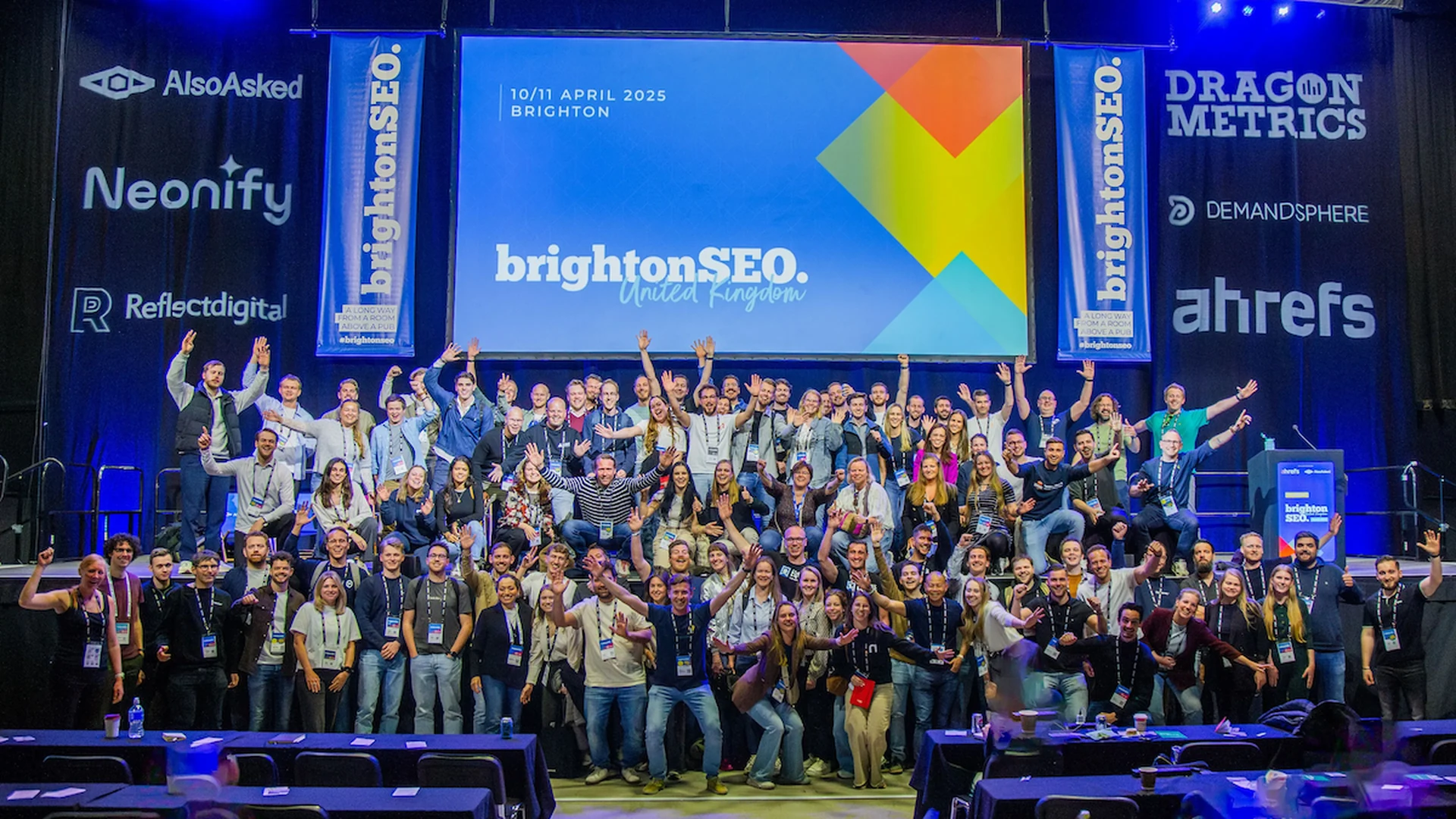
The curated guide to the global and regional SEO 2026 conferences every SEO, SEM, or AI SEO professional should weigh — with an ROI framework to decide which ones earn the spend.

Coworking near me
Searching coworking near me usually means a meeting tomorrow, a hybrid team that needs a base, or a founder tired of working from the kitchen counter — three different problems with three different answers. This guide ranks verified spaces in the seven largest US coworking markets.