
On-Page SEO
Chapter 06 / 08
Image SEO
Images are half the page weight on most sites and one of the most under-optimised on-page elements. The fix is mechanical: descriptive filenames, modern formats, real alt text, and lazy loading.
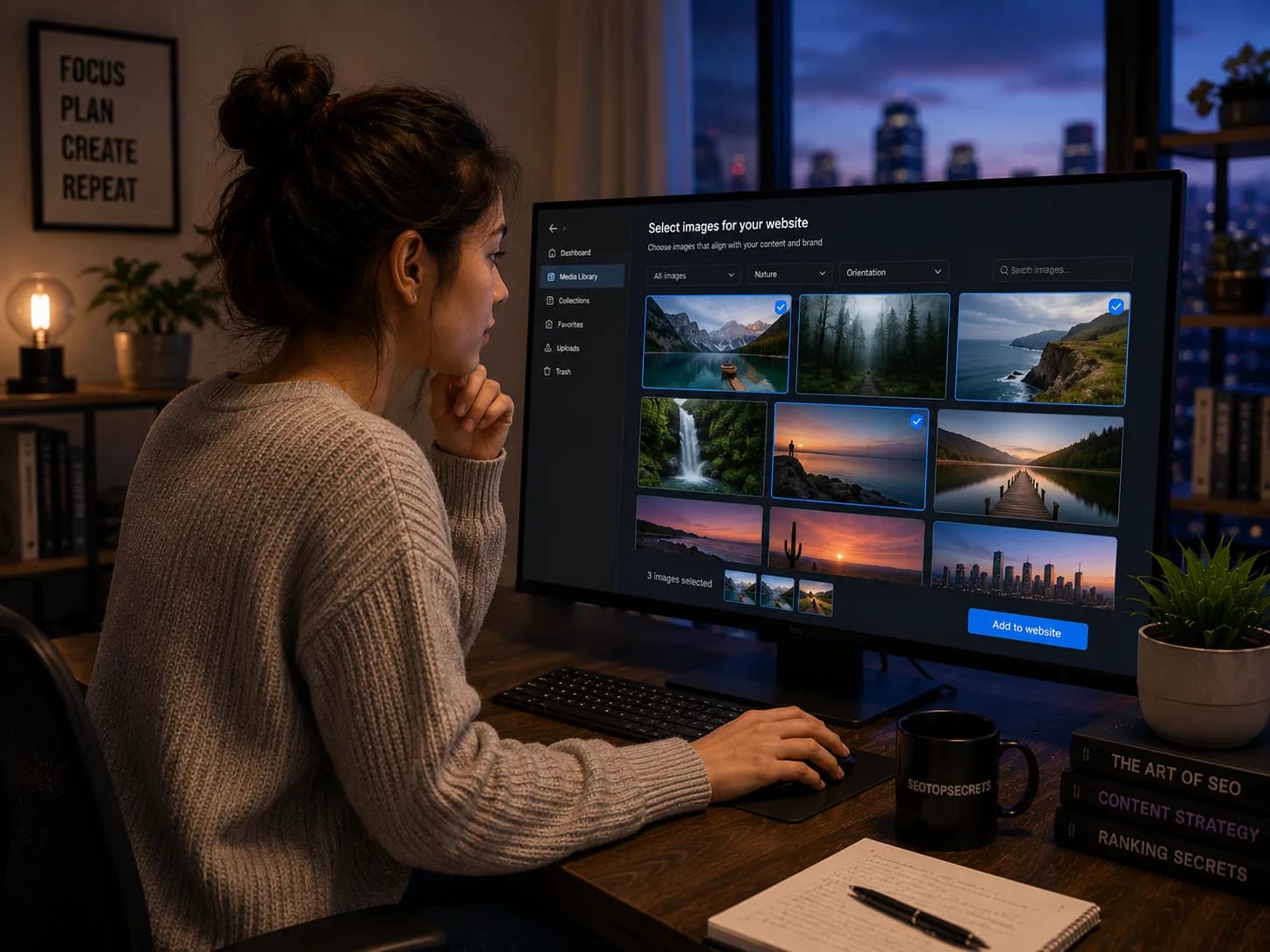
Images are responsible for 40–60% of the bytes downloaded on a typical content page, they show up in Google Image Search, in the SERP rich results, in OG previews, and in AI engine responses with visual elements. They are also one of the most consistently under-optimised on-page elements. The reason is dull but solvable: image SEO is mechanical work that is easy to skip during a busy launch and almost never gets retroactively cleaned up. The good news is the rules are simple and most of the work can be templated.
“Most of the image SEO problems on a site are not bad decisions, they are missing decisions. Setting a default for filename, format, alt text, and loading behaviour solves 90% of the issues automatically.”
The five image SEO levers
- Filename. Descriptive, keyword-matched, kebab-case.
- Format. WebP for most cases, AVIF when bandwidth is critical, JPEG/PNG only for legacy.
- File size. Hero images under 200KB, content images under 100KB, thumbnails under 30KB.
- Alt text. Real description of the image content, with the heroAlt = H1 rule for hero images.
- Loading behaviour. Lazy-load below-the-fold, eager-load above-the-fold, reserve dimensions to prevent layout shift.
Filenames: the cheapest signal you ignore
IMG_4529.jpg is the default. It is also a wasted ranking signal. Image search and AI engines read the filename as one of the strongest indicators of what the image depicts. Rename to:
- Descriptive of the image content.
- Kebab-case, lowercase, no spaces.
- Containing the page's primary keyword when the image is the hero or a key inline asset.
- Free of generated suffixes (
-1,-final-final-v3) when possible.
Examples: title-tags-hero.webp, header-hierarchy-outline-test.webp, internal-linking-hub-and-spoke-diagram.webp. The filename does not need to be a full sentence; 3–5 words is the sweet spot.
Format choice: WebP, AVIF, JPEG, PNG
| Format | Best for | Trade-offs |
|---|---|---|
| WebP | Default for everything in 2026 — photos, illustrations, screenshots | 25-35% smaller than JPEG, supported in every modern browser, easy to generate |
| AVIF | Bandwidth-critical scenarios, hero images, video thumbnails | 20-30% smaller than WebP, slower encoding, some legacy browser fallback needed |
| JPEG | Legacy compatibility only | Larger files, no transparency, ubiquitous support |
| PNG | Logos, icons with transparency, screenshots needing pixel-perfect fidelity | Lossless but very large; use sparingly and only when transparency or fidelity demands it |
| SVG | Logos, icons, illustrations, charts with vector content | Scales infinitely, very small for vector content, not for photos |
The default in 2026 is WebP. Reach for AVIF when LCP is your bottleneck and the CDN handles the fallback. Reach for SVG for any logo or icon. Reach for JPEG/PNG only when you have a specific reason.
File size budgets
File size affects Largest Contentful Paint (LCP), the most-watched Core Web Vital. The rough budgets:
- Hero images: under 200KB, ideally under 150KB.
- Inline content images: under 100KB.
- Thumbnails: under 30KB.
- Logos and icons: under 10KB (SVG often achieves this trivially).
The budgets are not rules; they are checkpoints. A 350KB hero is fine if it lands in 1.5 seconds on mobile because of CDN edge caching; a 50KB hero is bad if it lands in 4 seconds because of a misconfigured DNS lookup. Measure LCP first, then optimise the images that contribute to it.
Alt text: the heroAlt = H1 rule and beyond
Alt text serves three audiences: screen reader users, search engine crawlers, and AI engines that read images. The default rule:
For hero images: alt text equals the page's H1 verbatim. The hero is the image that anchors the page topic; its alt text reinforces what the page is about. If the H1 is “Title tags”, the hero alt is “Title tags”. Accents in the H1 may be written in unaccented ASCII in the alt without penalty (this is not a violation).
For inline content images: describe what the image actually shows. “Diagram of the hub-and-spoke internal linking pattern”, not “Image of internal linking”. The alt should be the caption you would give a podcast listener who cannot see the image.
For decorative images: empty alt text (alt=""), not missing. Empty tells screen readers to skip the image; missing causes them to read the filename, which is rarely useful.
Anti-patterns in alt text
- Stuffed with keywords. “title tags SEO best title tags 2026 guide” is spam, ignored by Google, broken for screen readers.
- Identical across many images. 20 inline images with the alt “chart” pass no information.
- Starting with “Image of...” or “Picture of...”. Screen readers already announce the image; the prefix is redundant.
- Pure description for charts and infographics with data. If the image conveys data, the alt should summarise the data point, not describe the visual style.
- Auto-generated by the CMS. Auto-alt is almost always wrong; either bad descriptions or the filename verbatim.
Lazy loading and CLS prevention
Two performance attributes that affect SEO directly:
- Lazy loading:
loading="lazy"on images below the fold. The browser defers loading until the user scrolls near them. Saves bandwidth, improves LCP for above-the-fold content. Don't lazy-load the hero — the LCP element should load eagerly. - Width and height attributes: Setting
widthandheighton every image lets the browser reserve the layout space before the image loads. Without them, content jumps when the image arrives, causing Cumulative Layout Shift (CLS) penalties.
Both are mechanical to implement. Modern frameworks set them automatically when you use the framework's image component (next/image in Next.js, astro:assets in Astro). Hand-rolled <img> tags are where these attributes get forgotten.
Responsive images with srcset
A 1600px hero loaded on a 360px phone wastes bandwidth and slows LCP. The fix is srcset:
<img src="hero-1600.webp" srcset="hero-360.webp 360w, hero-768.webp 768w, hero-1200.webp 1200w, hero-1600.webp 1600w" sizes="100vw" alt="Title tags">
The browser picks the right size based on viewport width and pixel density. Most frameworks generate the variants automatically; if you are hand-rolling, build the variants once at upload time, not per-request.
Image schema (ImageObject)
For images that are central to a page's topic — product photos, chart images, recipe photos, hero images on flagship articles — structured data using ImageObject can produce richer SERP previews. Don't add ImageObject schema to every image on a site; it's noisy and dilutes the signal. Reserve it for:
- Product images (already covered by Product schema).
- Recipe photos (covered by Recipe schema).
- Article hero images (covered by Article schema's
imageproperty). - Standalone infographics where the image is the primary content.
For most pages, the image is referenced by the parent schema (Article, Product, Recipe) and a separate ImageObject is unnecessary.
How AI engines read images directly
Modern AI engines (ChatGPT, Gemini, Claude) include vision models that read the image content directly. This is a meaningful change from a few years ago when alt text and filename were the only image signals AI engines could use. Now:
- Charts and graphs are parsed visually. A bar chart with axis labels and data values gets read by the vision model and the data points are extracted into the engine's understanding of the page.
- Screenshots are transcribed. Text inside a screenshot — UI labels, code, error messages — is read and added to the page's content as far as the AI is concerned.
- Diagrams are interpreted semantically. A flowchart of a process is described in natural language by the vision model, not just labelled with the alt text.
- Hero images contribute topic signal. A hero image showing what the article is about reinforces the topic for the AI engine even before it reads body copy.
Implications:
- Don't put critical information only in image text. Repeat it in the body so it is unambiguous.
- Charts and infographics earn their keep more than they used to — the data inside them is now part of the AI's understanding.
- A clean, on-topic hero image is a small but real signal AI engines weigh during retrieval.
Common image SEO mistakes
- IMG_XXXX filenames in production. The default that nobody renames.
- JPEG/PNG when WebP would do. 25–35% size penalty for no benefit.
- Missing alt attribute. Breaks screen readers, the filename gets read instead.
- Lazy-loading the hero. Tanks LCP because the LCP element waits to load.
- No width/height attributes. Causes layout shift, hurts CLS.
- Loading the desktop image on mobile. Wastes bandwidth, slows LCP. Use srcset.
- Hosting images on a different domain without CDN. Adds DNS lookup, slows everything.
- Identical alt text across an article. Passes no information; AI engines and screen readers both penalise this.
The bottom line
Image SEO is mechanical, repetitive, and the rules don't change much year over year. Use descriptive kebab-case filenames matching the page's keyword. Ship WebP by default, AVIF when bandwidth matters most. Keep hero images under 200KB. Write alt text that describes the image to someone who can't see it — with the heroAlt = H1 rule for the page's hero. Set width and height. Lazy-load below the fold. Use srcset for responsive sizing. AI engines now read the image content directly, which raises the value of charts and clear hero imagery and lowers the cost of getting the basics right. Get them right.
Common questions
Common questions
Quick answers to what we get asked before every trial signup.
Alt text is required on every image that conveys meaning — product photos, charts, diagrams, infographics, hero images that anchor the page topic. Alt text should be empty (alt="", not omitted) on purely decorative images: separator lines, background textures, icons that already have visible text labels next to them. The wrong move is omitting the alt attribute entirely — that breaks screen readers, which read the filename instead.